
 New logging details & batch size options
Spectrum Simulator
This simulator enables developers to test and integrate their software with Spectrum's APIs
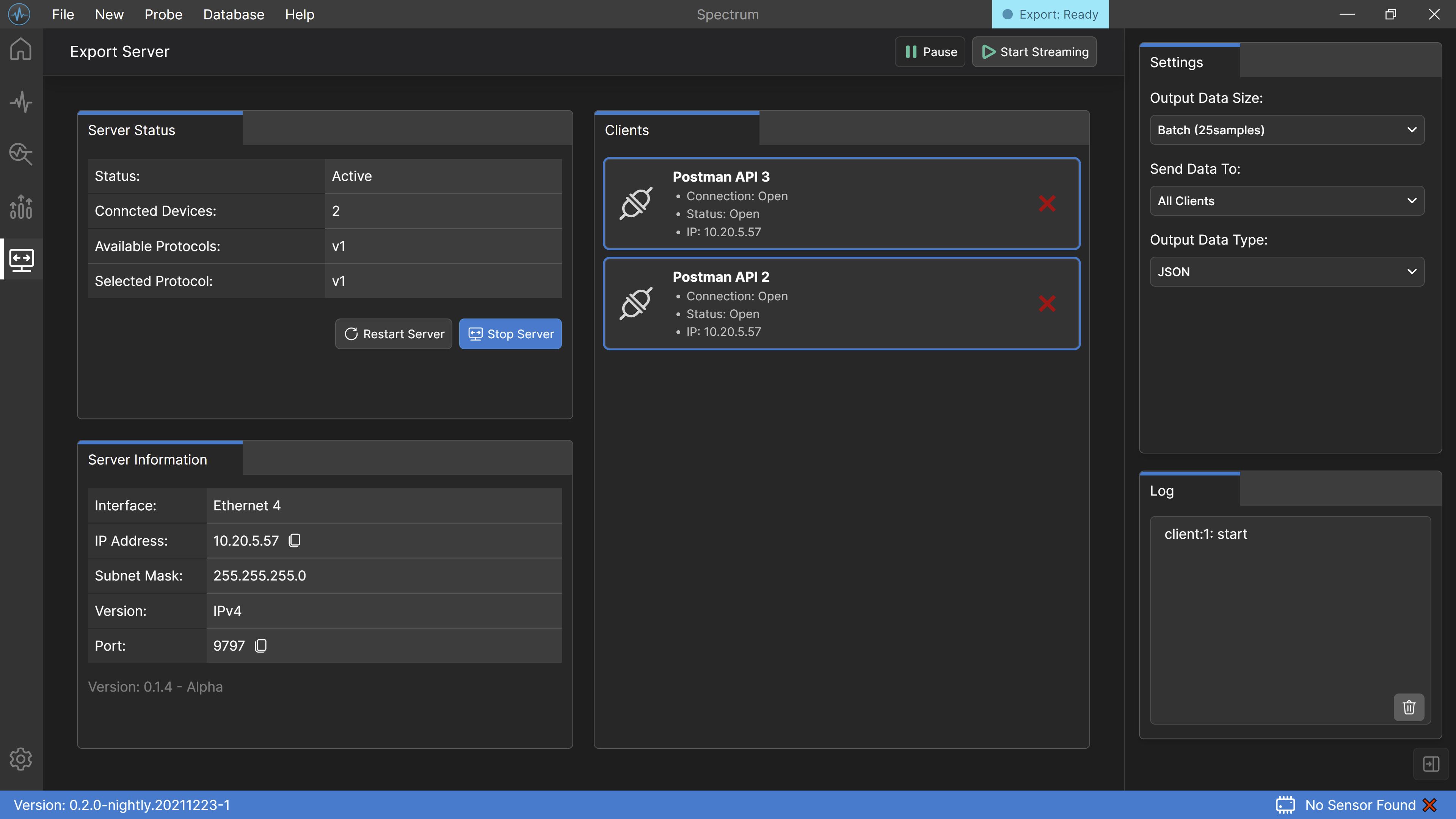
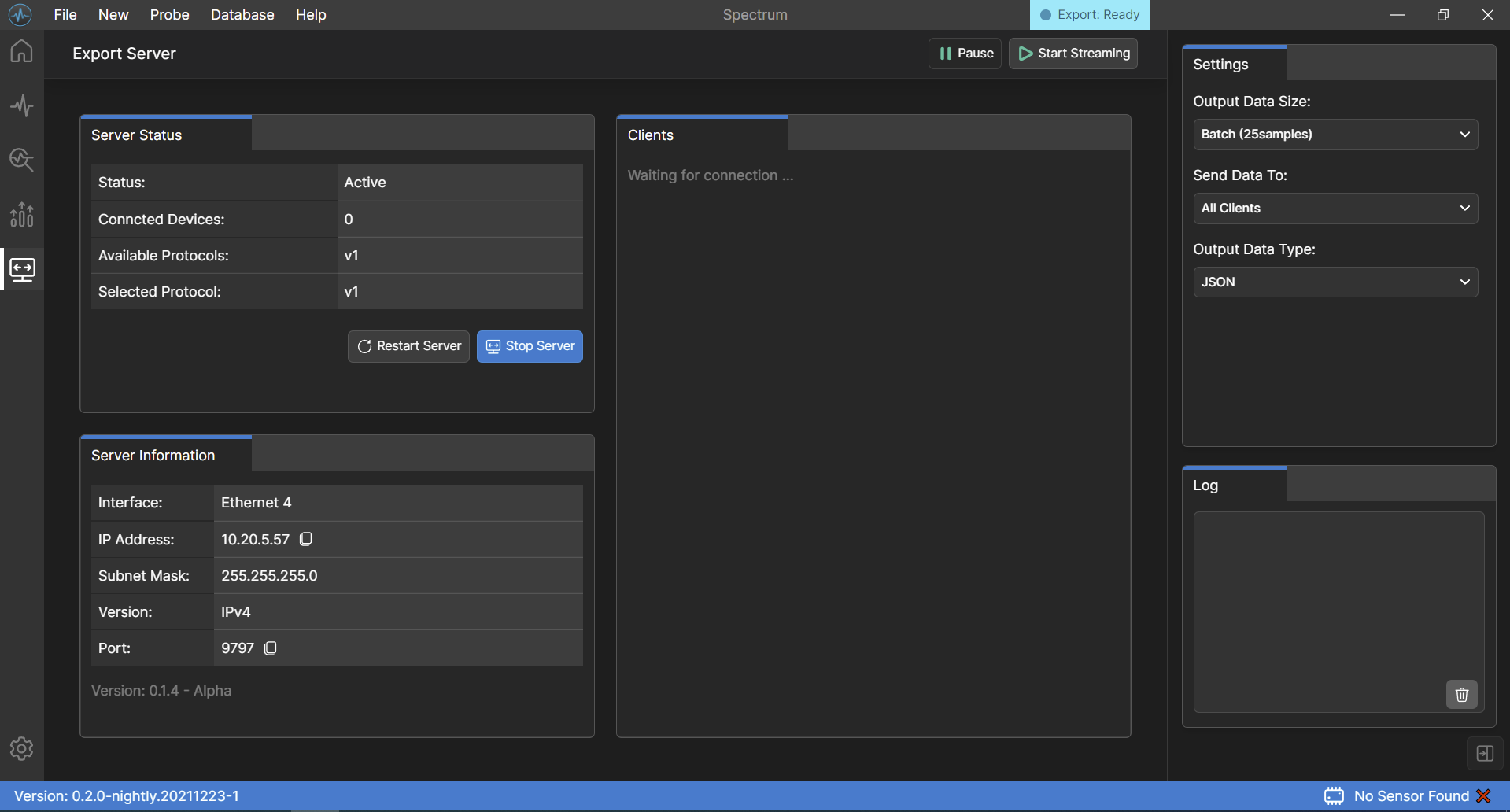
WebSocket Dashboard Features
Output Data Type Selection
Select between JSON or string for the output data type that is being sent to the sockets.
Output Data Size Selection
Select whether the output data will be sent one by one or in a batch of (25, 50, or 100).
Select Which Socket To Stream To
Select one or multiple sockets (up to 3) to send the data stream at the same time.
Live Socket Status
View connected sockets and their status.
Live Server Status
View server's status, current protocol, and the total number of connected sockets in real-time.
Communication Log
View the communication log of each client's headers and message.
Simple To Use
Install The Application
Start Developing
Uninstall After Use
Play Video
Beta Release
The planned release date of the beta version.